🚀 NinjaTrader Tutorial for Beginners (Complete Setup Guide)
Getting started with NinjaTrader doesn’t have to be complicated — but most traders struggle because they skip the proper setup process.
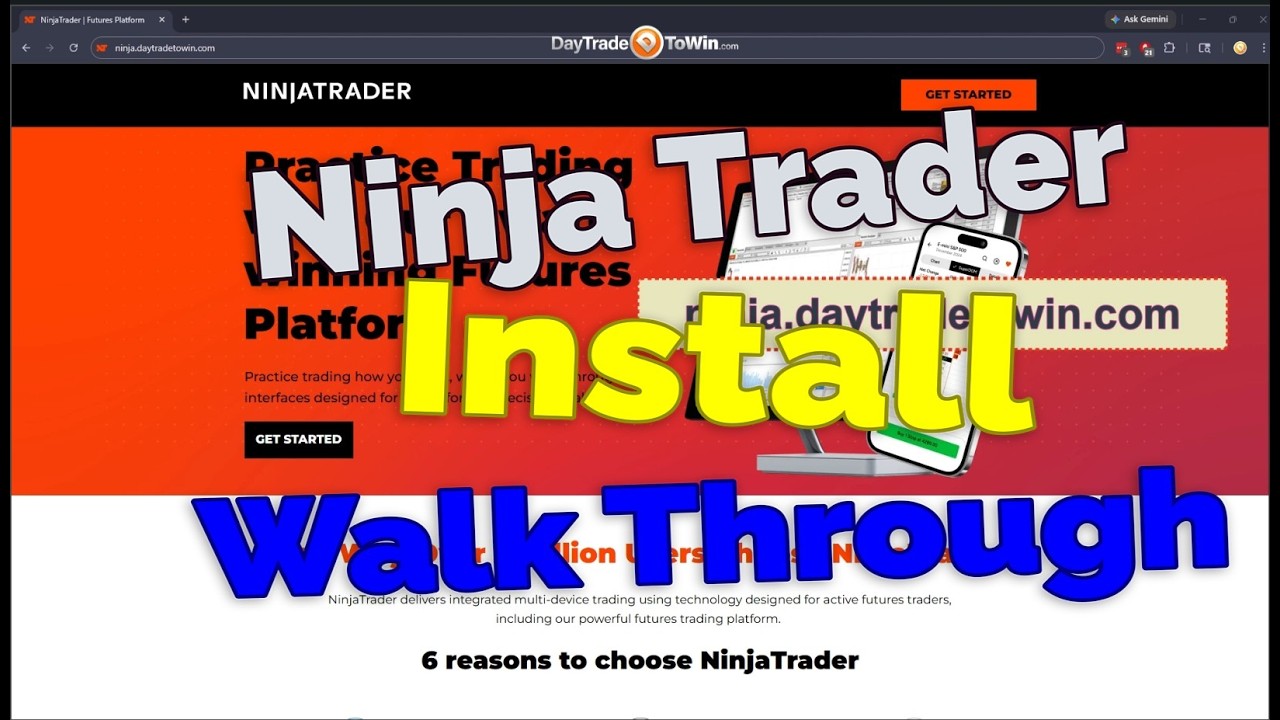
In this step-by-step NinjaTrader tutorial, we walk you through exactly how to download, install, and configure NinjaTrader correctly, including how to access FREE live data, set up charts, and begin practicing in a simulated trading environment.
Whether you’re new to futures trading or transitioning from another platform, this guide will help you avoid common mistakes and get up and running quickly.

📊 What You’ll Learn in This NinjaTrader Guide
✔ How to download and install NinjaTrader (latest version)
✔ How to create a free account (no broker required)
✔ How to activate the 14-day FREE live data trial
✔ How to subscribe to CME data (MES, MNQ, MCL)
✔ How to properly set up charts and timeframes
✔ How to use the SuperDOM (price ladder)
✔ How to place trades in simulation (SIM account)
✔ How to import custom indicators (DayTradeToWin tools)
✔ How to configure workspaces and layouts
✔ How to avoid common setup mistakes (OneDrive issue)
⚠️ Why Most Traders Fail at Setup
Most traders rush into live trading before understanding the platform.
The correct approach is:
👉 Start with simulation trading
👉 Learn the platform mechanics
👉 Focus on price action and confirmation
This is where the real edge comes from — not guessing or predicting.
💡 Key Setup Tip (Very Important)
NinjaTrader does NOT work well with OneDrive.
To avoid performance and data issues:
- Disable OneDrive syncing
- Install NinjaTrader locally on your PC
This alone prevents many common problems traders experience.
📈 Markets Covered in This Tutorial
This setup is ideal for trading:
- MES (Micro E-mini S&P 500)
- MNQ (Micro Nasdaq)
- MCL (Micro Crude Oil)
- ES / NQ futures
Frequently Asked Questions
Yes, NinjaTrader offers a free platform with simulated trading and a 14-day free live data trial.
No. You can use NinjaTrader in simulation mode without opening a brokerage account.
After the free trial, CME data typically costs around $12/month depending on your subscription.
You can trade futures markets such as MES (Micro E-mini S&P), MNQ (Micro Nasdaq), and MCL (Micro Crude Oil).
About DayTradeToWin
DayTradeToWin provides professional trading education and proprietary tools designed to help traders make structured, rule-based decisions using price action.
Our approach focuses on:
- Confirmation over prediction
- Risk management
- Structured trade execution
👉 Learn more: https://daytradetowin.com/
🔗 Get Started
👉 Create your free member account: https://daytradetowin.com/
👉 Access free indicators (ABC + News Indicator)
👉 Explore advanced tools like Sonic System, Roadmap, and Trade Scalper
Alternate version available here:
https://daytradetowin.net/how-to-set-up-ninjatrader-beginners-guide/
Educational Disclaimer
The content provided by DayTradeToWin is for educational purposes only and should not be considered financial or investment advice. Trading involves risk, and past performance is not indicative of future results.
Always trade with proper risk management and consult with a licensed financial professional if needed.

John Paul is the founder of DayTradeToWin, a trading education and software platform established in 2008 with thousands of members worldwide. He specializes in price action-based futures trading strategies and structured market analysis.
DayTradeToWin provides trading education, indicators, and software tools designed to help traders apply disciplined, rule-based price action decision-making across global futures markets.
John Paul is the creator of several trading methodologies, including the Sonic System, Atlas Line, and Trade Scalper, used by traders to identify structured opportunities in markets such as the E-mini S&P 500 (ES), Nasdaq (NQ), crude oil (CL), and gold (GC).
Official website: https://daytradetowin.com