Trading Video Lesson 3 – Front Running & 5-Min Charts
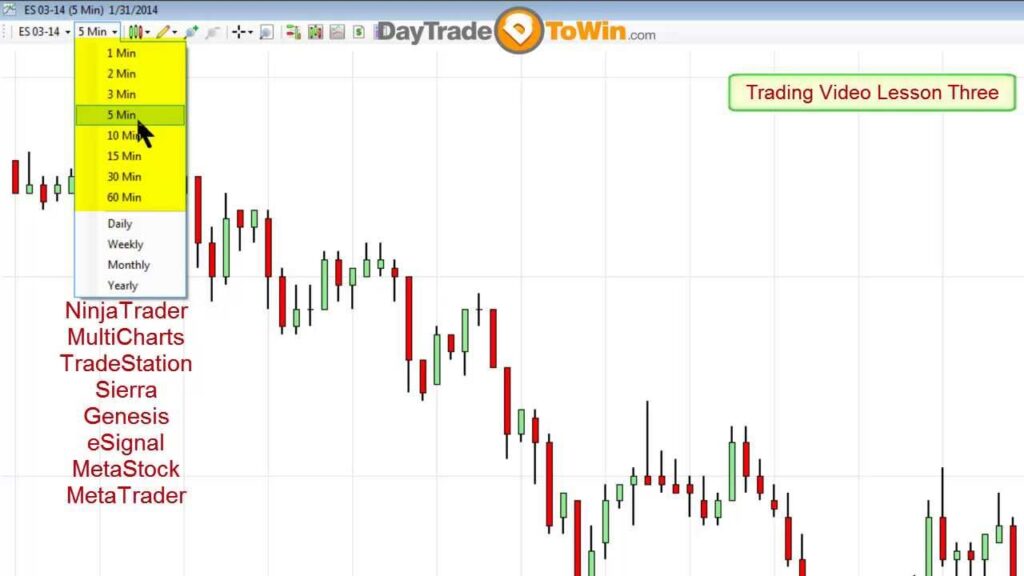
Why use the 5-min chart? Regardless of the day trading platform you use, you will have the ability to switch time frames on your chart. For minute-based charts, NinjaTrader provides everything from a 1-min to a Yearly chart. When using a 5-min chart, you have the best of both worlds: a summarized chart (not too […]
Trading Video Lesson 2 – NinjaTrader SuperDOM
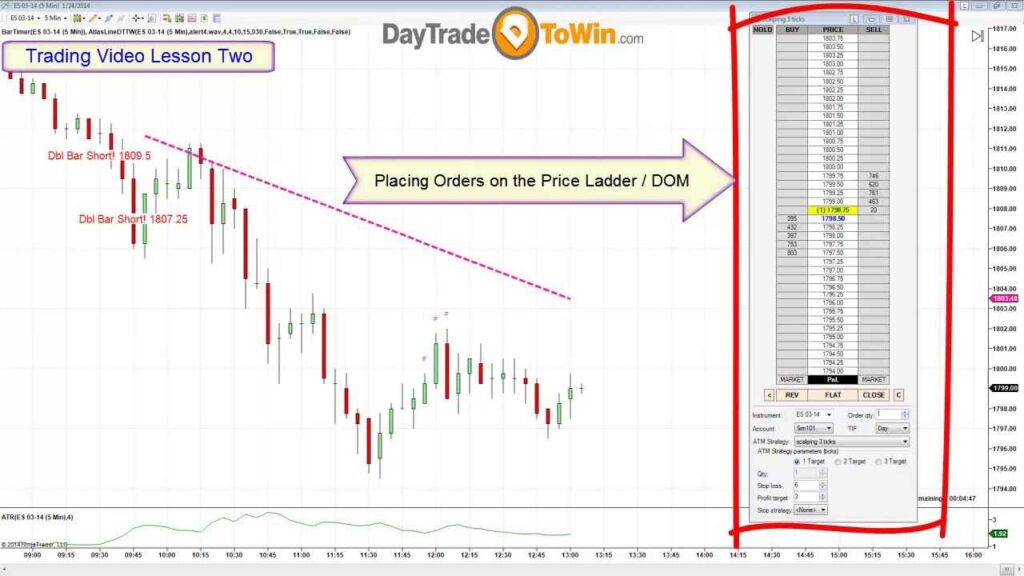
So you’re now using NinjaTrader and you’re struggling with the concepts of placing trades? Look no further! Watch the video and in 15 minutes, you’ll have a good understanding of different order types, ATM Strategies, and execution. One of the most important-to-know yet misunderstood aspects of day trading is order placement. The NinjaTrader platform, which […]
ABC Software for E-mini Plots Entries
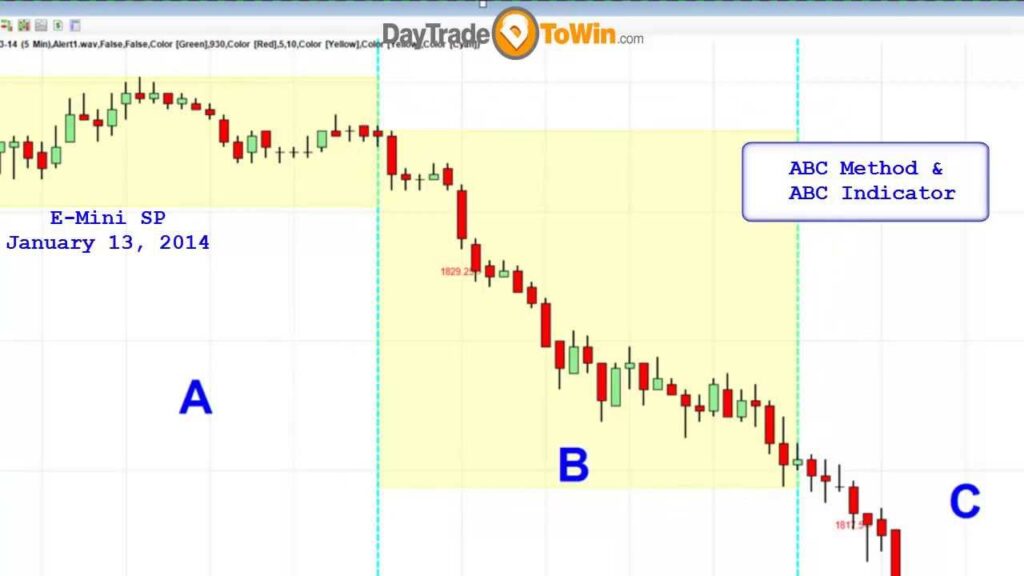
As you may have seen from our previous videos, the free ABC Method for the ES market splits the day into three parts. For each part, your entry will be two consecutive closes that break out of the previous section. The A part of the day (morning) is usually the most volatile. Part B (2.5 […]
Live Atlas Line in Action – Today’s Webinar
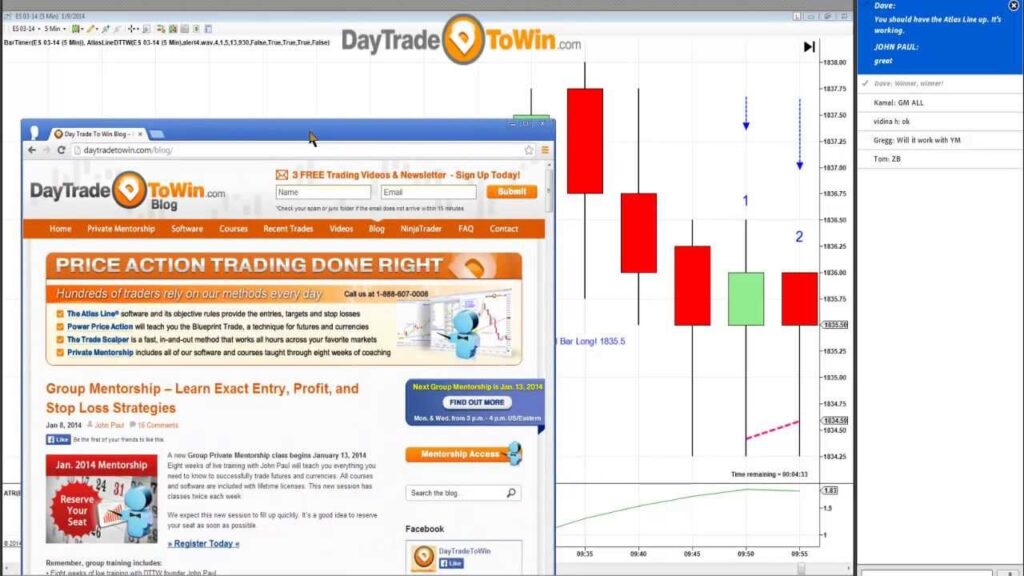
» See More of the Atlas Line « In case you weren’t able to make it to the webinar earlier today, here is the recording. Consecutive days, multiple markets, live audience – it’s all here! Check out the performance on the YM, ES, 6E, and ZB. In case you don’t yet know, the Atlas Line […]
Zen-Fire Data Feed Replacement
Recently, we have been inundated with inquiries from traders who want off the Zen-Fire infrastructure and want to switch brokers. Many of you know that Zen-Fire has relied on the Rithmic infrastructure for a long time, so why not go with the Rithmic data feed directly? My good friend Matt Z. at Optimus Trading Group, […]
Contract Rollover is Thursday, December 12, 2013
Traders – for Thursday, December 12, 2013 you will need to roll over your CME Equity Index Futures contracts to the new quarterly contract month (March, 2014 aka 03-14 in NinjaTrader). Here’s how to do it: 1. Go to NinjaTrader’s Control Center > Tools > Instrument Manager… 2. For example, under name, type in “ES” […]